
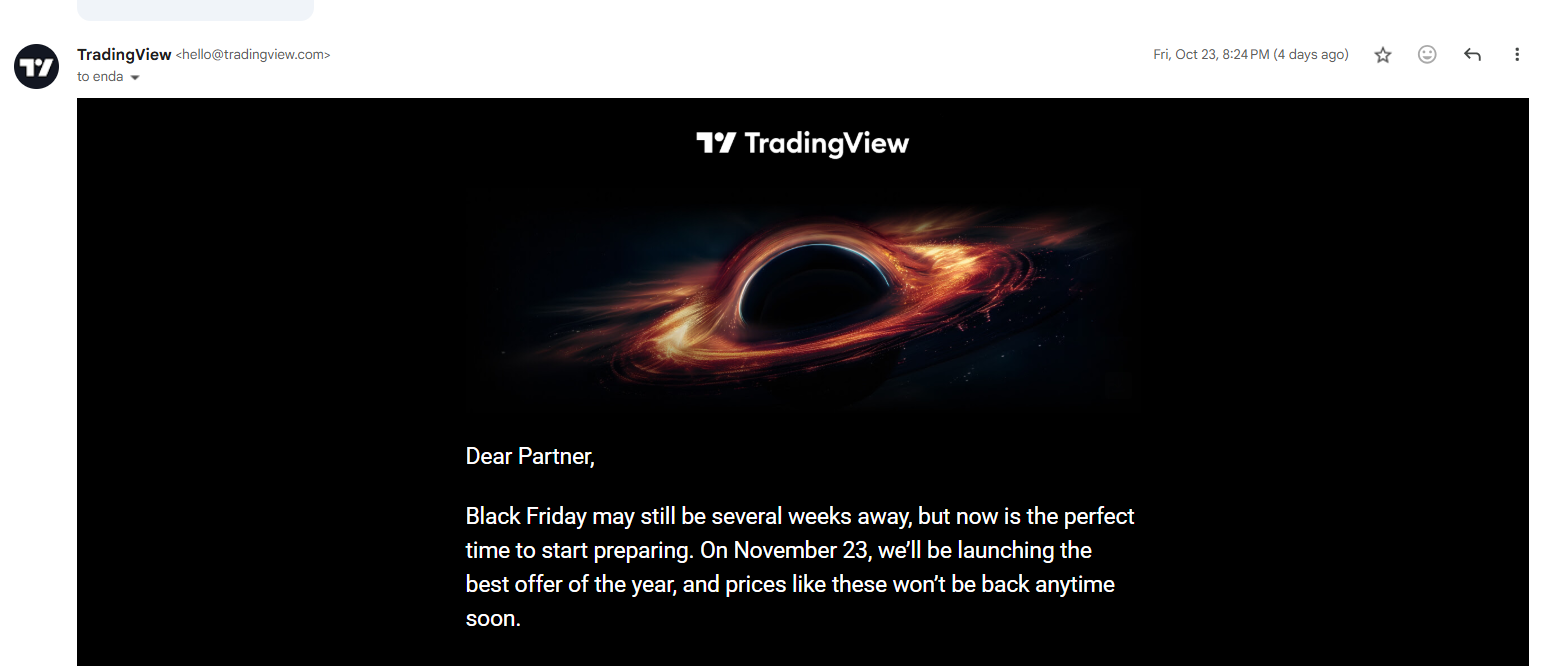
The TradingView Black Friday Sale 2026 starts on Monday, November 23, with up to 80% off annual plans plus 1 month free.
Black Friday pricing runs until November 27, followed by a Cyber Monday sale from November 28 to December 1. All times are Pacific Time.
🔴 The sale link stays the same every year so that you can bookmark it below.
Bookmark the TradingView Black Friday Sale Page Link
TradingView Black Friday Sale 2026 at a Glance
- Black Friday Sale: November 23 (12:00 AM PST) to November 27 (11:59 PM PST)
- Cyber Monday Sale: November 28 (12:00 AM PST) to December 1 (11:59 PM PST)
- Discounts: Up to 80% off annual plans
- Bonus Month: 1 month free on top of the discount
- $15 Coupon: New users who sign up through the link get a $15 coupon, valid for one year
- Free Plan: Basic is available now at $0, with no credit card needed
Opening a free Basic account before November 23 gives you time to test the charts, indicators, and alerts, then choose a paid plan once prices drop.
Last Year’s TradingView Black Friday Discounts
TradingView has confirmed up to 80% off and 1 month free for 2026, but plan-by-plan prices have not been released yet. Last year’s discounts are the best guide to what each plan will cost.
Essential Plan | 30% Off
- 2025 Sale Price: $126 for 13 months ($9.69 per month)
- 2025 Savings: $53.40 per year
- 2026 Standard Price: $14.95 per month, or $12.95 per month billed annually
Bonus: 1 free month, confirmed again for 2026
Get the TradingView Black Friday Deal
Essential suits newer traders, with 2 charts per tab, 5 indicators per chart, 20 price alerts, and 20 technical alerts.
Plus Plan | 40% Off
- 2025 Sale Price: $216 for 13 months ($16.62 per month)
- 2025 Savings: $191.40 per year
- 2026 Standard Price: $34.95 per month, or $29.95 per month billed annually
- Bonus: 1 free month, confirmed again for 2026
Get the TradingView Black Friday Deal
Plus fits active traders who want 4 charts per tab, 10 indicators per chart, 100 price alerts, and multi-condition alerts.
Premium Plan | 70% Off
- 2025 Discount: 70% off the standard $67.95 monthly price
- 2026 Standard Price: $69.95 per month, or $59.95 per month billed annually
- Bonus: 1 free month, confirmed again for 2026
Get the TradingView Black Friday Deal
Premium is built for frequent traders, adding 8 charts per tab, 25 indicators per chart, 400 price alerts, second-level history, and alerts that do not expire.
Ultimate Plan | 80% Off
- 2025 Sale Price: $576 for 13 months ($44.31 per month)
- 2025 Savings: $2,303.40 per year
- 2026 Standard Price: $239.95 per month, or $199.95 per month billed annually
- Bonus: 1 free month, confirmed again for 2026
Get the TradingView Black Friday Deal
Ultimate is the top tier and the only plan open to professional users. It offers 16 charts per tab, 50 indicators per chart, 1,000 price alerts, and first priority support.
Note: Last year’s free extra month was for website purchases only, not app store purchases.
Essential and Ultimate prices are unchanged from 2025. If last year’s discounts return, they should again cost around $126 and $576. Plus and Premium are up $1 and $2 a month, so their sale prices may be slightly higher.
What’s New Recently on TradingView in 2026
TradingView has added several AI and research tools in 2026, which gives an upgrade during the sale more value than in previous years.
Claud MCP Server
Connects a TradingView account to Claude and other AI assistants to pull quotes, run screens, and manage watchlists and alerts. It is in public beta for Essential and higher plans, with delayed market data.
AI Copilot
An AI assistant in the Supercharts side panel that can switch symbols, add indicators, draw levels, create alerts, and write Pine Script. It is sold as a monthly add-on for any paid plan on the web and desktop app.
AI Screener
Turns plain-language requests into working stock and crypto screens, with 100 to 500 requests a month depending on the plan.
Pine Screener Upgrade
Scripts can now make up to 40 data requests in Pine Screener, up from 5, so multi-timeframe and benchmark scans run without trimming code.
Screener Heatmap View
Stock, ETF, and crypto screen results can be shown as heatmap tiles, sized by market cap or volume and coloured by performance.
Bond Analytics
Duration, convexity, DV01, spreads, and bid/ask yield are now available on charts, as indicators, and in the Bond Screener.
Live Earnings Calls
Live calls and recordings play directly from symbol pages, the Earnings Calendar, News, and Supercharts.
New Broker Partners
Fidelity, Public, Clear Street, Kraken, CoinJar, and Darwinex joined in 2026, adding more brokers for trading directly from the chart.
TradingView Black Friday Sale FAQs
What happens if I already have a TradingView subscription?
- If you renew the same tier, your unused days carry over to the new plan.
- If you upgrade, your remaining days convert into extra days on the higher tier. Last year’s conversion ratios were:
- Essential to Plus: 2 days = 1 day
- Plus to Premium: 2 days = 1 day
- Essential to Premium: 4 days = 1 day
- Premium to Ultimate: 4 days = 1 day
You will see the exact new duration and renewal date before checkout.
Will my price stay discounted after the first year?
No. Black Friday pricing applies to the first payment only, and the plan then renews at the standard price.
Can I stack multiple years?
In 2025, up to three discounted years could be added during the sale by buying each year separately. This option was not available for downgrades.
What if I subscribed through the mobile app?
To use a Black Friday offer, cancel the App Store renewal and buy on the TradingView website. App Store prices can also differ from web prices because Apple and Google apply their own fees.
Can I use the sale to downgrade?
No. Promotional prices apply to new purchases, same-tier renewals, and upgrades, not downgrades. A downgrade only takes effect once the current paid term ends.
Which payment methods are accepted?
Major credit cards, PayPal, Apple Pay, and crypto are all accepted. To pay with crypto, directly or through Binance Pay, select the Crypto tab on the order page.
Can I gift a TradingView subscription?
Yes. Essential, Plus, Premium, and Ultimate plans can be gifted to any registered user without an active plan, and the gift activates as soon as payment is complete. Gifts do not renew, so the recipient moves to the free Basic plan when the paid period ends.
What is the refund policy?
Annual plans can be refunded within 14 calendar days of payment. Monthly plans, upgrades, and market data are not refundable.
Is real-time market data included?
US stocks show free real-time Cboe One data, but primary exchange data for Nasdaq, NYSE, CME, and other venues is sold separately on every plan. Data add-ons can only be bought on the website. Essential allows up to 2 data subscriptions, Plus 4, Premium 6, and Ultimate has no limit.